
Alghani

IT

IT

IT Project – Tinybit Line Follower

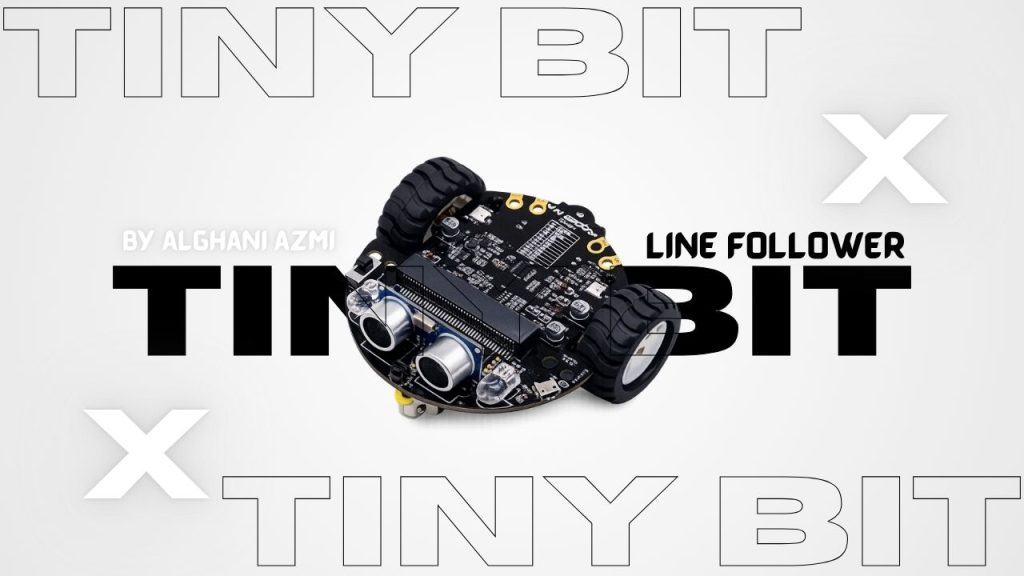
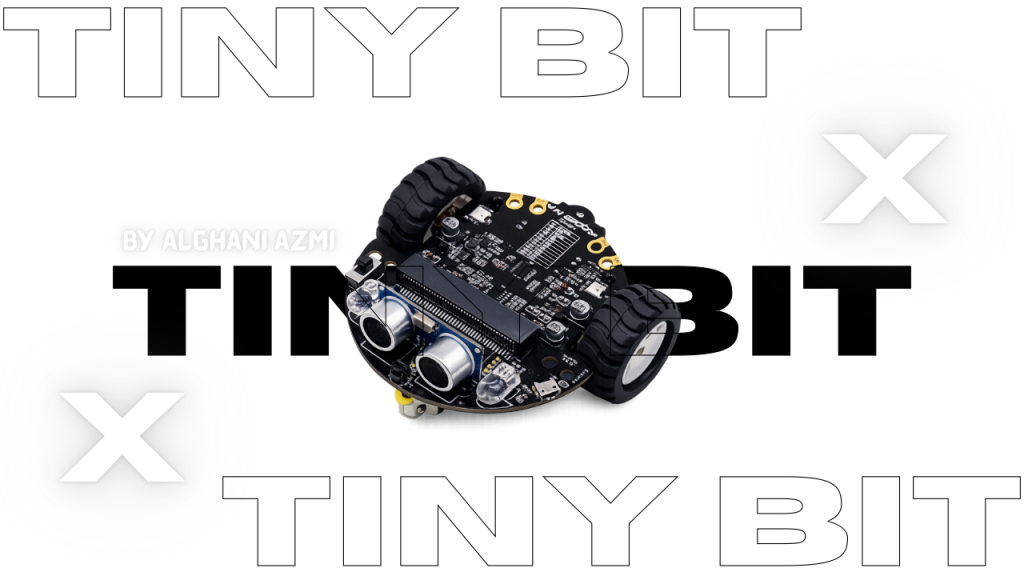
IT Project IT Project – Tinybit Line Follower IT Project – Tinybit Line Follower https://youtu.be/Hn7lA70Kryk The Poster This is my it project that is line follower so this is an IOT project. how its works? so it can moves following the path on the ground so this tinybit can move itself. and then  if u want to know about tinybit line follower watch this video i hope this useful for u amiin

IT

IT Project – Smart Parking

IT Project Smart Parking​ IT Project – Smart Parking https://youtu.be/qRtXdDT_6ic Smart Parking is my sixth IT project. In this project, I used a micro:bit as the microcontroller, an IR sensor to detect cars, and a servo motor as the parking gate. The system works by detecting vehicles that enter and leave the parking area. If there are still empty parking spaces, the gate will open automatically. But when the parking area is full, the sensor will stop detecting new cars and the gate will stay closed. This project helped me learn more about sensors, automation, coding, and how smart parking systems work in real life. The Poster

IT

Smart Watering Plant

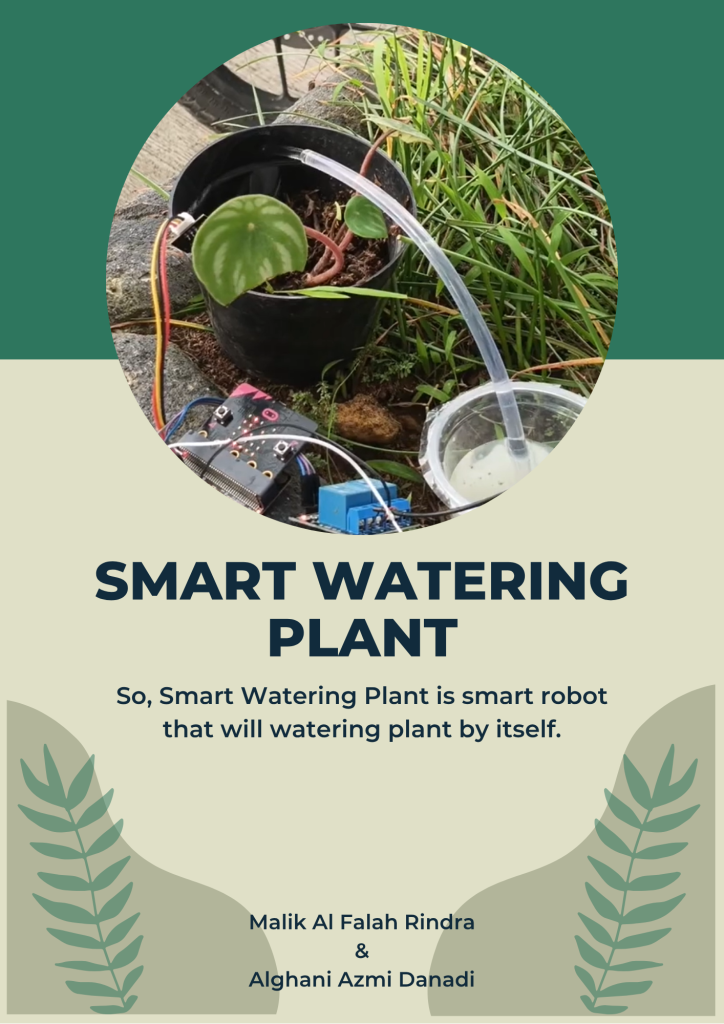
IT Project Smart Watering Plant Smart Watering Plant https://youtu.be/77Wz4ei8lzk IT project called Smart Watering Plant,  I built a simple automatic watering system using a soil moisture sensor to detect the condition of the soil. When the soil is dry, the system will turn on the water pump to water the plant, and when the soil is wet enough, it will stop automatically. In the tutorial video, I explain how the system works, how to connect the components, and how to make the project step by step. This project helps people take care of plants more easily, especially if they are busy or often forget to water them. From this project and video, I learned more about sensors, automation, and how to explain a project clearly to others.

IT

IT Tutorial 4 – Smart Watering Plant

IT Project IT Tutorial 4 – Smart Watering Plant IT Tutorial 4 – Smart Watering Plant https://youtu.be/K9O8_Nu2YLc IT project called Smart Watering Plant, and I also made a tutorial video titled IT Tutorial. This is my second IT tutorial video in this semester. In this project, I built a simple automatic watering system using a soil moisture sensor to detect the condition of the soil. When the soil is dry, the system will turn on the water pump to water the plant, and when the soil is wet enough, it will stop automatically. In the tutorial video, I explain how the system works, how to connect the components, and how to make the project step by step. This project helps people take care of plants more easily, especially if they are busy or often forget to water them. From this project and video, I learned more about sensors, automation, and how to explain a project clearly to others.

English, IT

English IT Project Presentation – Tinybit Line Follower

English Project English IT Project Presentation – Tinybit Line Follower English IT Project Presentation – Tinybit Line Follower https://youtu.be/f82ZAG4dlAw his is my third IT project presentation and the title is Line Follower Robot. In this project, I built a robot that can automatically follow a black line on a white track without manual control. I used Micro:bit as the main microcontroller that works as the brain of the robot, Tiny:bit as the robot base with motors and wheels, and an infrared (IR) sensor to detect dark and light surfaces. The sensor reads the surface under the robot and sends data to the Micro:bit. Then, the Micro:bit processes the data using the program I created and controls the motors to move forward, turn left, or turn right depending on the position of the line. This project uses the basic concept of input, process, and output, where the sensor is the input, the Micro:bit is the processor, and the motors are the output. During this project, I learned about programming logic such as if-else statements, motor control, and how hardware and software work together in a robotic system. I also improved my problem-solving skills by adjusting the speed and fixing errors in the code. Overall, this project helped me understand basic robotics in a simple and practical way.     

IT

Tiny Bit Hand Gesture

Tiny Bit Bluetooth controller IT Project Tiny Bit Hand Gesture Micro:bit is a small programmable computer that is designed to help students learn coding, electronics, and basic technology skills in an easy and fun way. It was created to support education, especially for beginners who are new to programming. The micro:bit board is small, light, and simple to use, but it has many useful features. On the front side, it has a 5×5 LED display that can show text, numbers, and simple images. It also has two buttons that can be programmed to control different actions. Micro:bit includes several built-in sensors, such as an accelerometer to detect movement, a compass to detect direction, and sometimes a temperature or light sensor depending on the version. It also supports Bluetooth, so it can connect wirelessly to other devices like smartphones or tablets. Users can program micro:bit using simple programming platforms such as MakeCode or Python. Because of its simplicity, micro:bit is very popular in schools and learning activities. Tiny Bit is a small robot that is usually used together with micro:bit. It is designed to help students learn robotics in a practical way. Tiny Bit acts as a robot base where the micro:bit becomes the “brain” of the robot. When micro:bit is connected to Tiny Bit, it can control the robot’s movement and behavior.   Demonstration Video https://youtu.be/0YEVetZeUC0

IT

Smart Trashbin

Smart Trashbin IT Project Smart Trashbin Hello everyone, today I am working on a new project with my team called a smart trash bin. This project uses simple electronics and coding to make the trash bin work automatically. Basically, we program the ultrasonic sensor to detect our hand when it comes close to the trash bin. When the sensor reads the distance of our hand, it sends a signal to the system. After that, the servo motor moves, causing the lid of the trash bin to open automatically. This project helps reduce direct contact with the trash bin and makes throwing away trash more hygienic and efficient. Demonstration Video https://youtu.be/QLRaolJaAys

IT

Tiny Bit Bluetooth Controller

Tiny Bit Bluetooth controller IT Project Tiny Bit Bluetooth controller​ Micro:bit is a small programmable computer that is designed to help students learn coding, electronics, and basic technology skills in an easy and fun way. It was created to support education, especially for beginners who are new to programming. The micro:bit board is small, light, and simple to use, but it has many useful features. On the front side, it has a 5×5 LED display that can show text, numbers, and simple images. It also has two buttons that can be programmed to control different actions. Micro:bit includes several built-in sensors, such as an accelerometer to detect movement, a compass to detect direction, and sometimes a temperature or light sensor depending on the version. It also supports Bluetooth, so it can connect wirelessly to other devices like smartphones or tablets. Users can program micro:bit using simple programming platforms such as MakeCode or Python. Because of its simplicity, micro:bit is very popular in schools and learning activities. Tiny Bit is a small robot that is usually used together with micro:bit. It is designed to help students learn robotics in a practical way. Tiny Bit acts as a robot base where the micro:bit becomes the “brain” of the robot. When micro:bit is connected to Tiny Bit, it can control the robot’s movement and behavior.   Demonstration Video https://youtu.be/RM7McGs_MzU

English, IT

IT Project Presentation – Catching fruit Game

English Project IT Project Presentation – Catching Fruit Game IT Project Presentation – Catching fruit Game https://youtu.be/J0xyIcDh1os This my IT Project presentation this presentation About how to play Catching fruit . I hope this presentation Good for you all Who watch this video…… thank you for you all Who Watch this video Presentation this presentation is a  Tutorial for playing the game in Scratch.

IT

Defender

IT Project Defender The Defender The defender stands as the last line of protection, a vigilant guardian tasked with securing the base against relentless waves of enemies. Surrounded by chaos, they remain steadfast, using strategy, strength, and resilience to repel countless assaults. Every attack tests their endurance, yet the defender’s determination never falters. They adapt to shifting threats, reinforcing weak points, rallying allies, and striking back with precision. In the face of overwhelming odds, the defender embodies courage and sacrifice, ensuring the base remains unbroken. Their role is not just about survival, but about inspiring hope—proving that even against many foes, one determined protector can hold the line. Demontration Video https://youtu.be/XFADppLHkPQ Try the Game

Scroll to Top