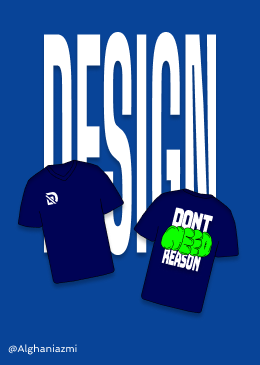
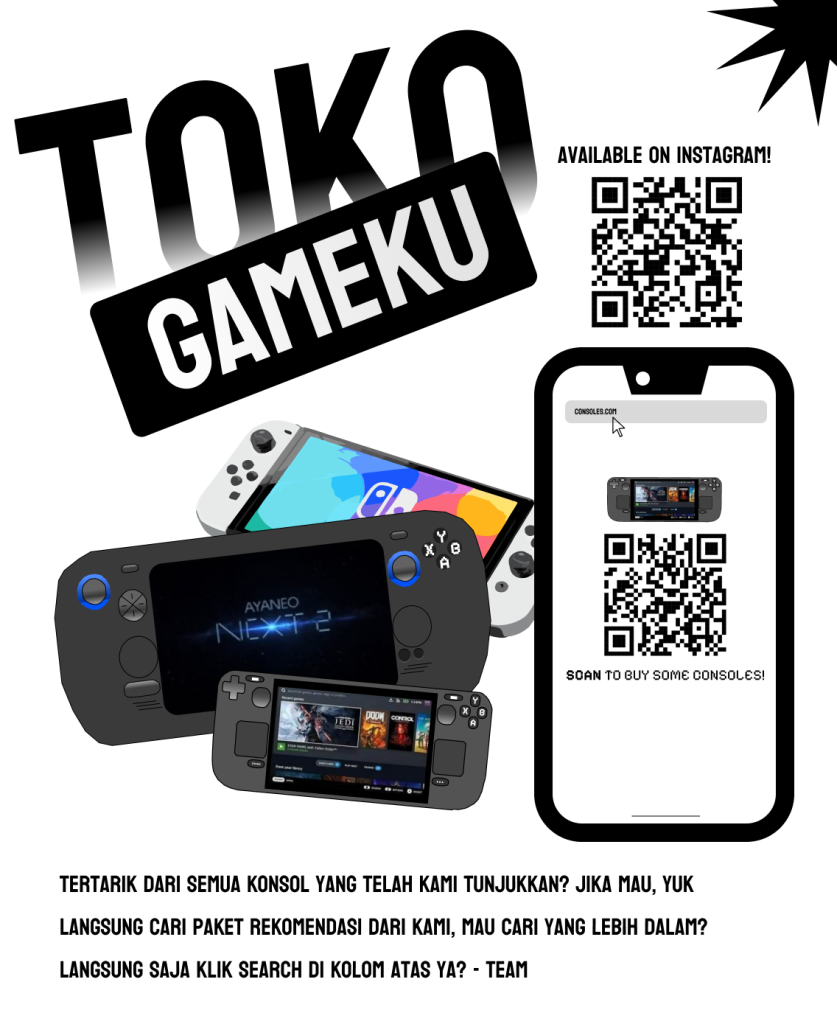
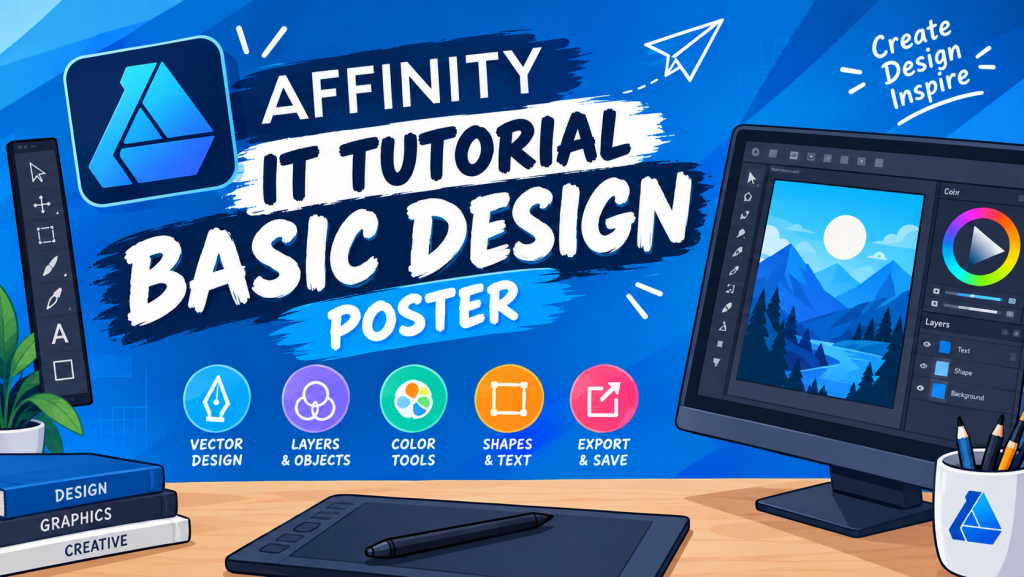
IT Project IT Tutorial – Basic Design Poster IT Tutorial – Basic Design Poster https://youtu.be/gcrbHhJUCUg This tutorial explains how to create a simple and attractive burger poster using Affinity. The design combines images, shapes, colors, text, and simple effects. It is suitable for beginners who want to learn the basic tools of graphic design The Move Tool is used to select, move, resize, and arrange objects. It can be used to position the burger image, text, and other design element The Shape Tool is used to create basic shapes such as rectangles, circles, and rounded rectangles. These shapes can be used for backgrounds, price labels, buttons, and decorations The Pen Tool is used to create custom lines and shapes. It can be useful for making decorative elements or creating special shapes for the poster The Artistic Text Tool is used to add text to the poster. It can be used for the burger name, price, promotional words, and other information The Node Tool is used to edit the points of a vector object. It helps adjust and modify the shape of an object to make it fit the design.